
Beginner Tips for Taking Better Phone Photos
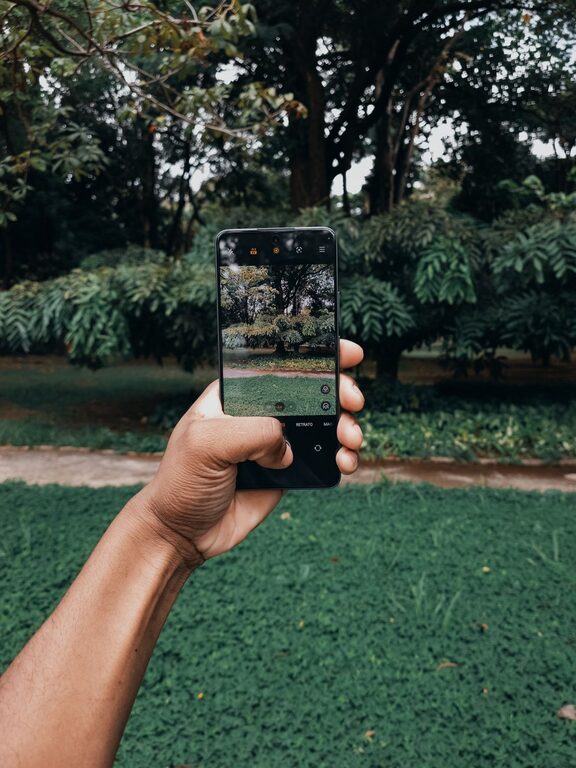
Taking great photos with your phone is easier than you might think. Whether you’re capturing memories, sharing moments on social media, or exploring photography as a hobby, a few simple tips can make a big difference. This guide will help beginners improve their phone photography skills by focusing on composition, lighting, settings, and editing. Let’s dive in!
Understand Your Phone Camera
Before you start snapping photos, spend a little time exploring your phone’s camera features. Modern smartphones come with various shooting modes and tools.
– Experiment with modes: Try portrait, panorama, night mode, and more.
– Focus and exposure: Tap on your subject to set focus and adjust brightness.
– Use gridlines: Turn on the grid in settings to help align your shots using the “rule of thirds.”
Knowing your camera’s capabilities helps you make the most of each shot.
Composition: Framing Your Shot
Good composition is key to striking photography. These simple guidelines will help you frame your photos creatively.
Use the Rule of Thirds
Imagine your image divided into nine equal parts by two horizontal and two vertical lines. Place your subject along these lines or at their intersections to create a balanced, interesting photo.
Look for Leading Lines
Lines in your scene, such as roads, fences, or pathways, can draw the viewer’s eye toward your main subject. Use them to guide attention and add depth.
Fill the Frame
Get closer to your subject to eliminate distractions. Filling the frame allows details to stand out and makes the photo more engaging.
Mind the Background
A cluttered or distracting background can take away from your subject. Look for simple, clean backgrounds or change your angle to minimize distractions.
Lighting: Work With Natural Light
Light shapes every photograph. The quality, direction, and amount of light can make or break your photo.
Shoot in Soft Light
Early morning and late afternoon (known as golden hours) provide soft, warm light that flatters most subjects. Avoid harsh midday sun when shadows and highlights are extreme.
Face the Light
Position your subject so that they face the light source. This reduces unwanted shadows and highlights details.
Use Shadows Creatively
Sometimes shadows can add drama and interest. Play with light and shadow to create unique compositions.
Avoid Using Your Phone’s Flash
Built-in flashes often create harsh, unnatural light. Instead, try moving to a brighter location or use a reflector (even a white paper or cloth) to bounce light.
Steady Your Shot
Blurry photos are frustrating, but a few simple techniques can help you capture sharp images.
– Hold your phone with both hands to steady it.
– Lean against a stable surface like a wall or table.
– Use timer mode or a remote shutter to avoid shaking when tapping the shutter button.
Explore Camera Settings
Most phone cameras offer settings that give you more control over your photos.
– HDR (High Dynamic Range): This setting helps balance bright and dark areas, especially in landscape photos.
– Exposure Adjustment: Brighten or darken your photo before shooting by sliding your finger up or down after focusing.
– Focus Lock: Lock focus on a subject to prevent refocusing when recomposing.
– Resolution: Choose the highest resolution available for better image quality.
Experiment with Angles and Perspectives
Don’t just shoot from eye level. Try different viewpoints to make your photos stand out.
– Get low: Shoot from ground level to emphasize foreground details.
– Shoot from above: Flat lays are great for food and object photography.
– Try wide shots: Capture the environment around your subject.
– Zoom with your feet: Instead of zooming digitally, move closer for clearer, sharper images.
Edit Your Photos
Editing is part of modern photography and can enhance your images significantly.
Use Simple Editing Apps
Free apps like Snapseed, Lightroom Mobile, or VSCO offer easy-to-use tools.
Basic Adjustments to Try
– Crop: Improve composition by cutting out distractions.
– Brightness and contrast: Adjust light levels and make photos pop.
– Saturation: Enhance colors but keep them natural.
– Sharpen: Make details clearer but avoid overdoing it.
– Filters: Use sparingly to maintain a natural look.
Save Originals
Always keep your original images in case you want to try different edits later.
Practice Regularly and Review Your Photos
The best way to improve is to take lots of photos and review them critically.
– Look at what works and what doesn’t.
– Try to recreate your favorite shots with improvements.
– Learn from online tutorials and photography communities.
Final Thoughts
Your phone is a powerful photography tool, ready to capture life’s moments beautifully. With a bit of practice and these beginner tips, you’ll take photos that you’ll be proud to share and keep. Remember, great photography is about seeing the world creatively and having fun along the way!